Maintenance
Keeping a library healthy is ongoing work: editing properties in bulk, catching duplicates, recovering deleted items, tidying tags, and importing data. This page is the reference for those tools; for the step-by-step, see Maintenance & cleanup.
Batch editing
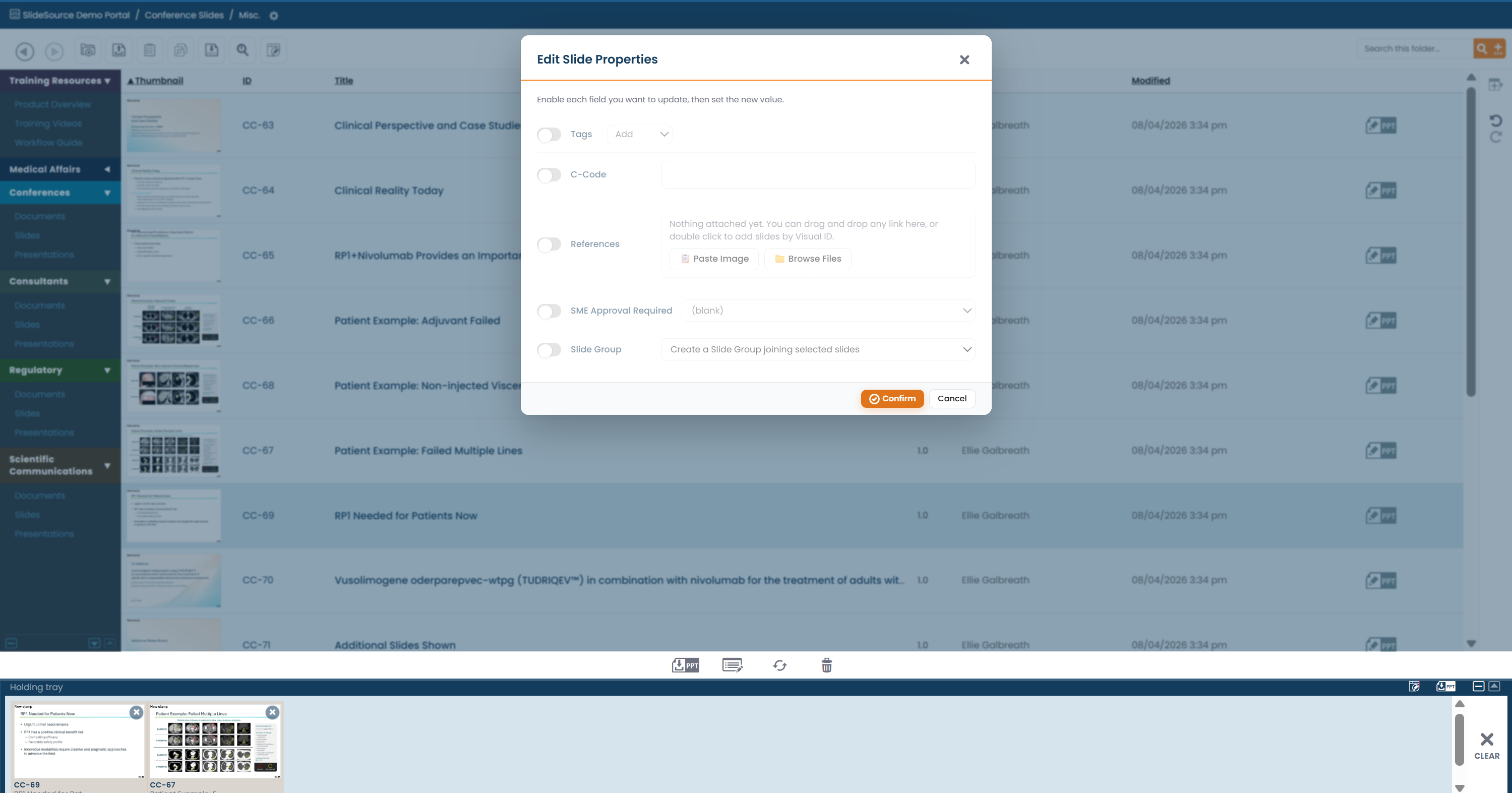
Section titled “Batch editing”Batch editing updates properties on many items at once. Collect the items in the tray (drag them in), then use the tray’s bulk-edit tool to apply changes (tags, custom fields, and other properties) across the whole selection.
Duplicate detection
Section titled “Duplicate detection”Duplicate Detection finds slides that are the same or near-identical so you can consolidate them. Reducing duplicates keeps the library trustworthy: people find the one canonical slide instead of several drifting copies.
The Recycle Bin
Section titled “The Recycle Bin”The Recycle Bin holds deleted items so they can be restored if something was removed by mistake. Deletion is not immediately permanent: items go to the bin first.
Tag cleanup
Section titled “Tag cleanup”Over time, tags accumulate near-duplicates. Use Tag Management to review usage counts, rename-merge overlapping tags, and remove tags from every item at once. This is covered in full under Taxonomy.
Excel imports
Section titled “Excel imports”You can bring data in from Excel: most directly for productivity collections, which are structured datasets with Excel import/export (see Set up your collections). Imports let you populate or update records in bulk rather than entering them by hand.
Change & release history
Section titled “Change & release history”The library keeps a history of changes so you can see what happened and when: including item version history (every slide edit creates a new version) and release/change records. Use it to trace when content or configuration changed.