External access
Not everyone who needs your content is a full library member. SlideSource Library gives outside people two limited, view-focused ways in: the consultant view and public presentation share links. This page describes both from the outside user’s perspective.
The consultant view
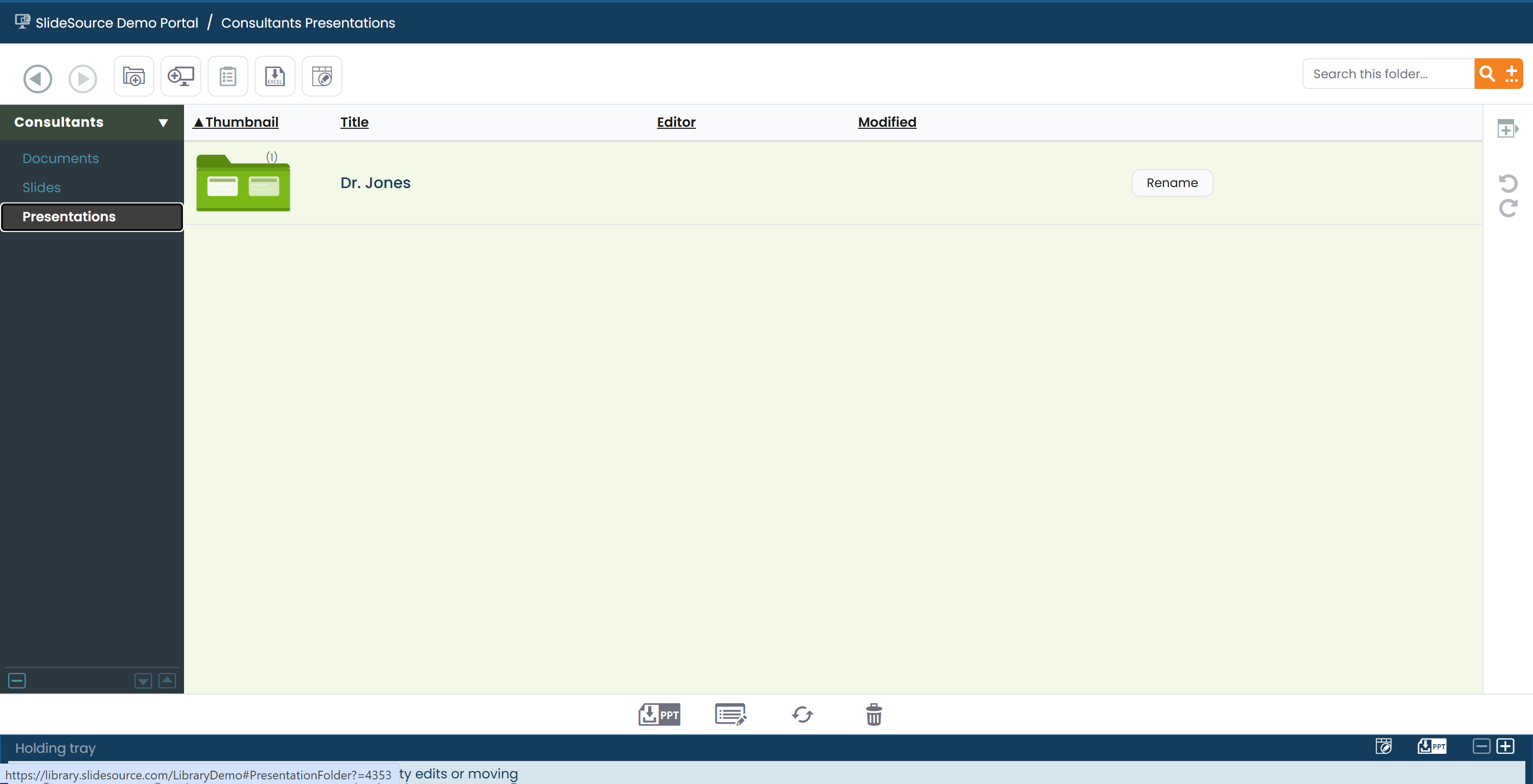
Section titled “The consultant view”The consultant view is a stripped-down, branded window into a single collection: the view an outside consultant sees when they’re given access.
- One collection only: the consultant sees just the collection shared with them, not the wider library.
- Branded: it carries the sharing organization’s branding.
- View + Download to Desktop only: the consultant can browse and download to their desktop, but not edit, upload, or manage anything.
Public presentation share links
Section titled “Public presentation share links”A public presentation share link shares one deck with someone outside the library. From the recipient’s side:
- Access: the link opens either directly (token) or after a login, depending on how it was shared.
- Download: the recipient can download the deck, unless the person sharing disabled downloads (an images-only link).
- Watermarked thumbnails: slide thumbnails in the shared view are watermarked.
- Shared vCheck: the recipient can run vCheck on the shared deck to see whether any slides have gone out of date. See vCheck.
Related
Section titled “Related”External / consultant accessGive an outside person access, step by step.
PresentationsCreate and format a share link.
vCheckHow recipients check a shared deck for freshness.