Reports & usage
Goal: understand how your library is being used: pull the reports, exports, and logs that show activity, downloads, and where you stand against your plan.
When to use this: for periodic reporting, an audit, or a quick check of what’s being downloaded and who’s active.
-
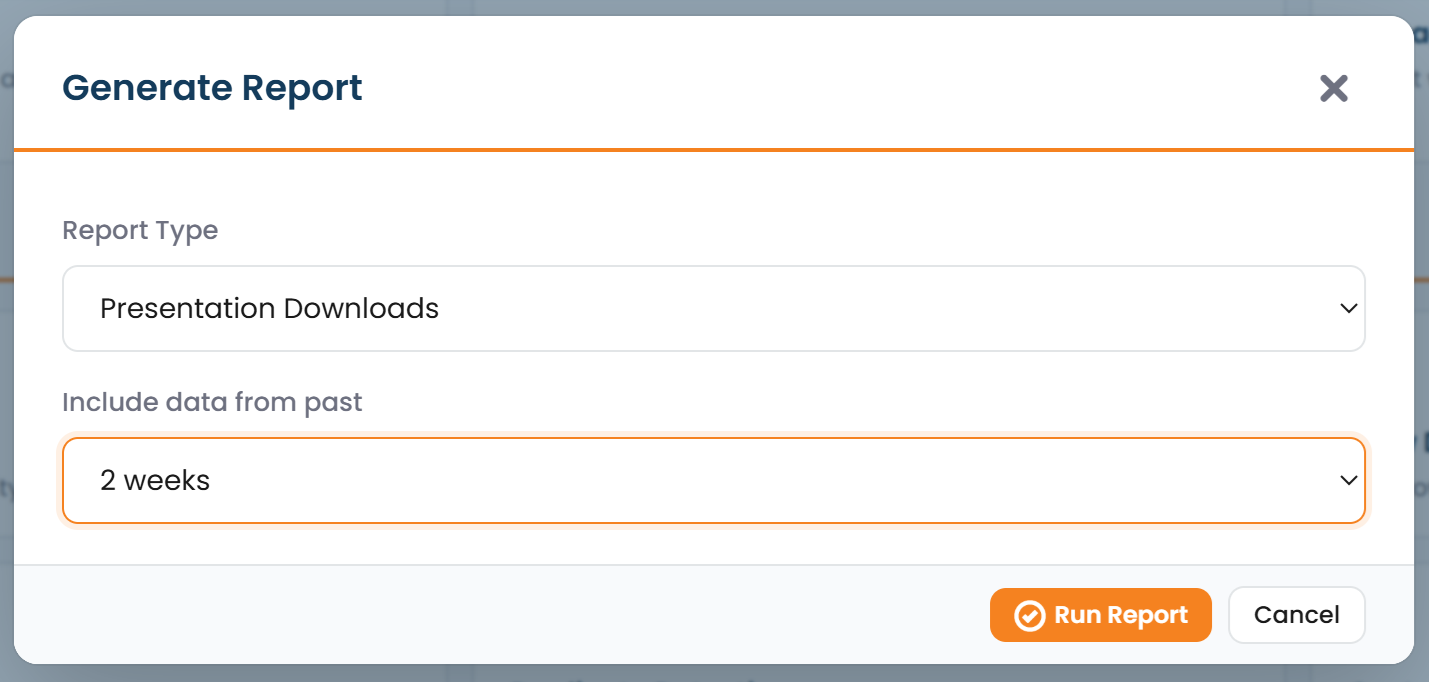
Download a report. From Manage Library, choose Download Report to generate a CSV over a window you pick:
- a Statistics report, or
- a Presentation-Downloads report,
- plus any custom reports configured for your library.
-
Download Overview. Receive an emailed Excel report of the library’s slides and presentations, providing a snapshot of your current content.
-
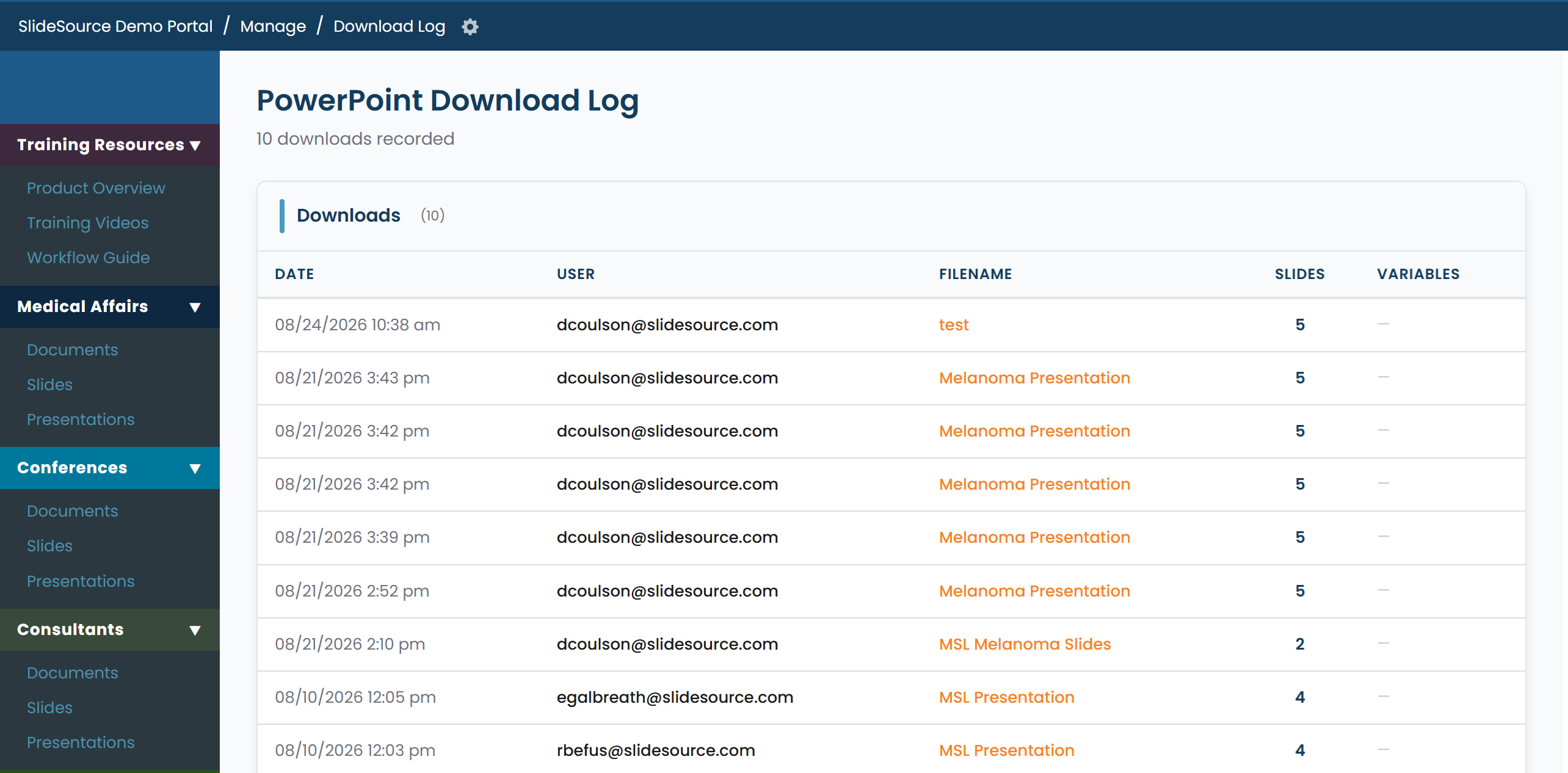
View Download Log. Review which PowerPoint files have been downloaded from the library and track download activity over time.
-
Export a users list. From Manage Users, export a Users CSV for the current roster and their access.
-
Check usage against your plan. Usage relative to your plan limits appears under Subscription (users and slides, shown as “N of M”).