Your account
Your account is where you manage your profile, sign-in, and personal preferences in SlideSource Library. This page explains what you can update and how you access the app.
Your profile
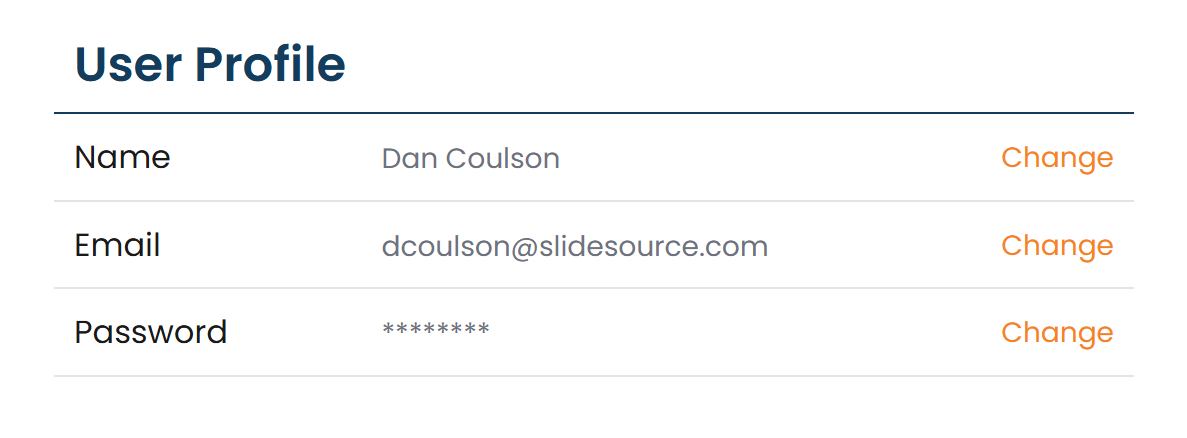
Section titled “Your profile”From your profile you can update:
- Name: how you appear to others in the library.
- Email: your sign-in address. Changing it requires your password to confirm it’s really you.
- Password: set a new password.
Preferences
Section titled “Preferences”- Recurring-receipt email: library owners can toggle whether they receive recurring receipt emails.
- Reset in-app tips: clear the “seen” state on the app’s inline tips so they show again, handy when you want a refresher.
Signing in
Section titled “Signing in”You reach the library by signing in one of two ways:
- Password: your email and password, with a reCAPTCHA check to confirm you’re human.
- SSO / SAML: sign in through your organization’s identity provider, where your library uses it.
Some libraries also use two-factor authentication (2FA) for an extra verification step at sign-in.
Joining a library
Section titled “Joining a library”You join a library from an invitation. Accepting the invitation is what creates or connects your account and grants you access: the full flow is covered in the getting-started guide below.
Related
Section titled “Related”Signing in & joining a librarySign-in methods and accepting an invitation.
NotificationsManage the emails you receive.
Roles & accessWhat your role lets you do.