Integrations
Goal: connect your library to the tools around it: badge downloaded decks with vCheck, publish to Veeva Vault, provide a public presentation listing, and stream security logs.
When to use this: when connecting the library to your organization’s PowerPoint workflow, document management system, public sharing tools, or security systems.
-
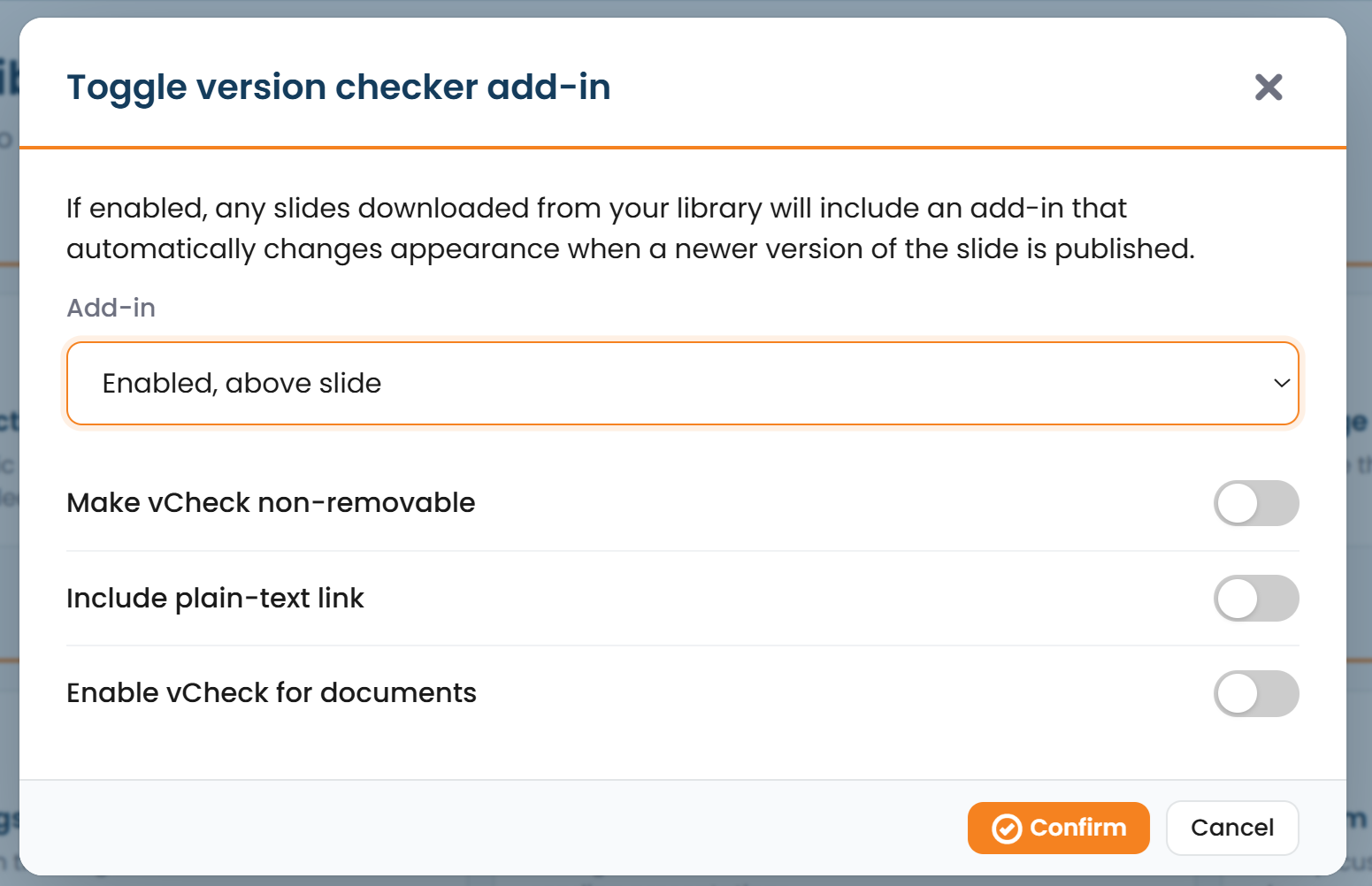
Configure the add-in / vCheck. In Add-in / vCheck Settings, choose how downloaded decks are badged so users can tell when a slide has gone out of date:
- Disabled, above slide, or below slide placement,
- Make vCheck non-removable to keep the badge on the deck, and
- include a plain-text link for recipients without the add-in.
-
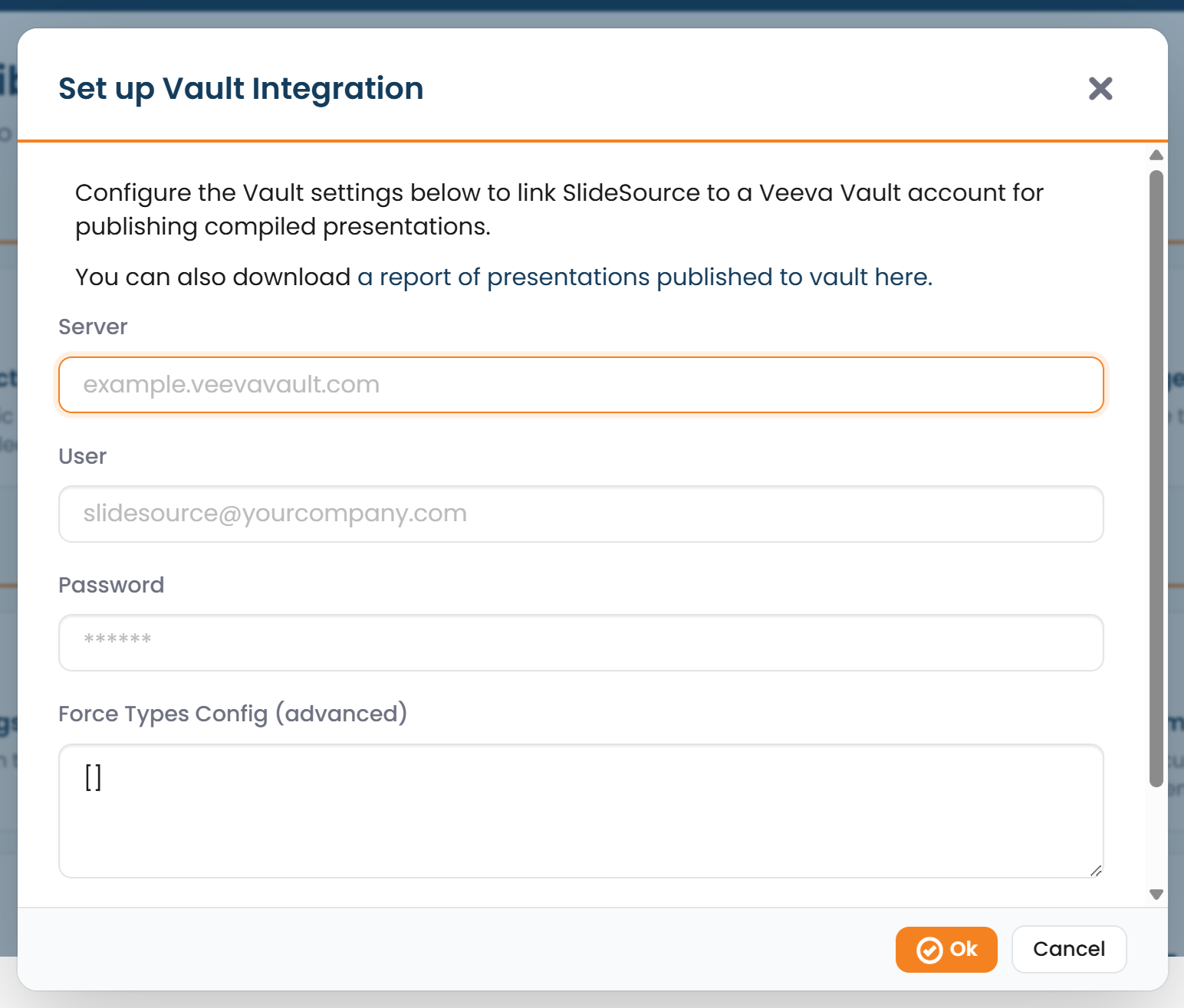
Set up Veeva Vault. In Veeva Vault, provide the server, user, password, and config to publish compiled presentations to Vault.
-
Publish a shared presentation listing. Shared Presentation Listing produces a public, embeddable list of presentations, with an iframe embed you can drop into another site.
-
Toggle document sharing. Use the Document Sharing toggle to control whether documents can be shared out of the library.
-
Connect security logging. Generate a SIEM API Key to stream security logs to your SIEM, where that integration is enabled for your library.