Notifications & email
Goal: control recipients and when email notifications are sent and how those emails look and read.
When to use this: when you’re configuring notification options for a collection or customizing the library’s email templates.
These are two separate things:
- Email Notifications / subscriptions decide who is emailed about which events.
- Email Templates decide the look and wording of the emails themselves.
-
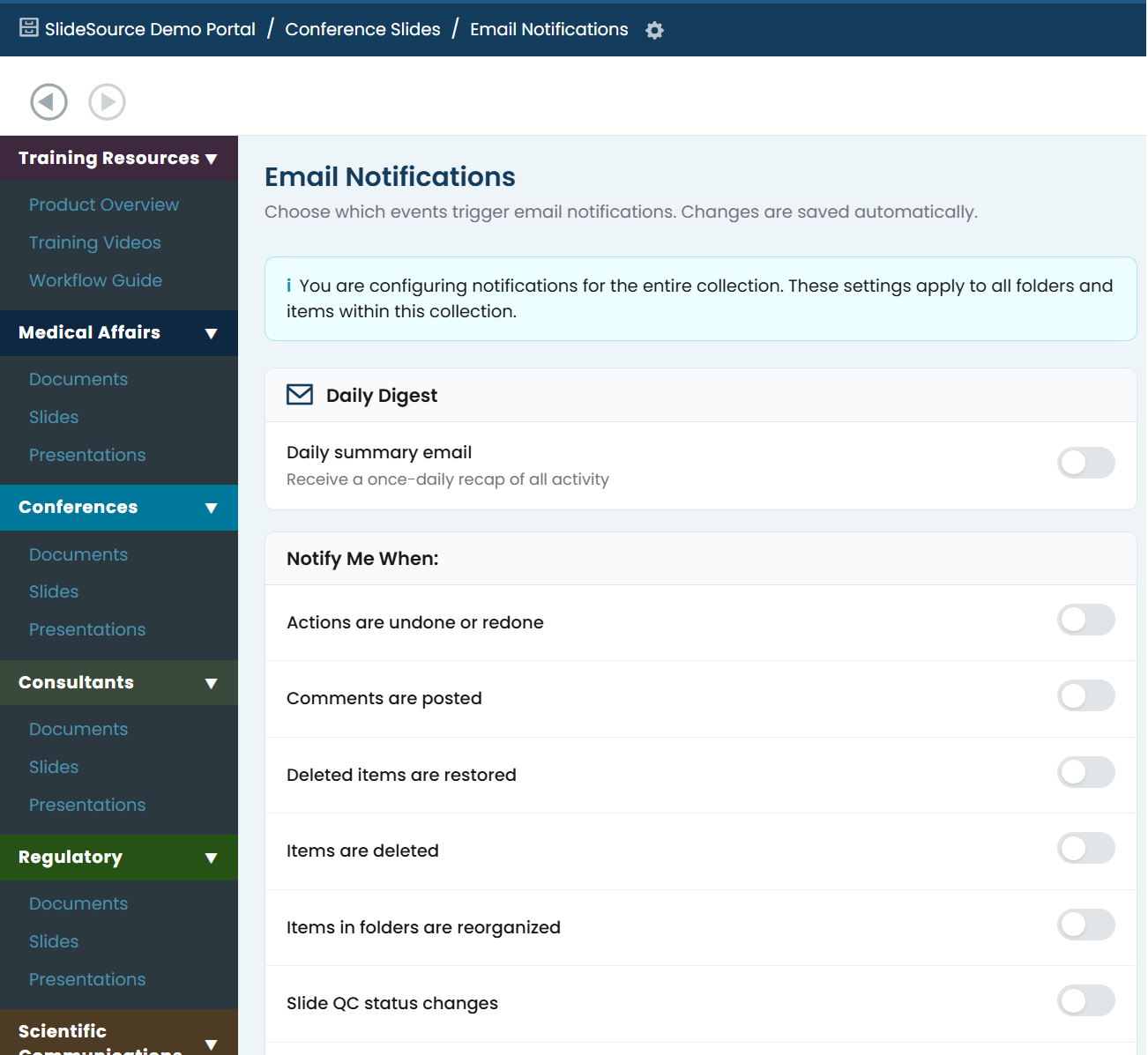
Set notification events. Each collection’s Manage page has an Email Notifications card that controls which events can email subscribers for that collection. Users then choose their own subscriptions per collection, folder, or item.
-
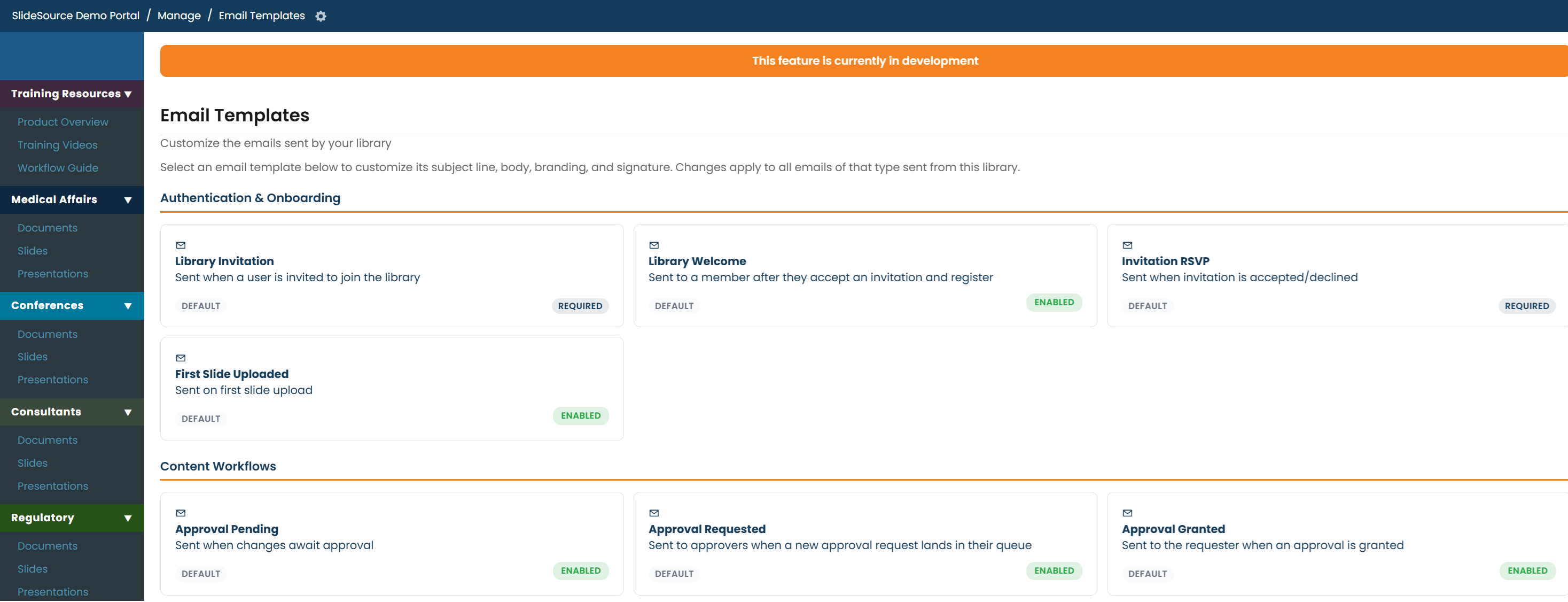
Open Email Templates. From Manage Library, open Email Templates. The library has 18 template types across 4 categories. 6 are optional (you can turn them off); the rest are required and always send.
-
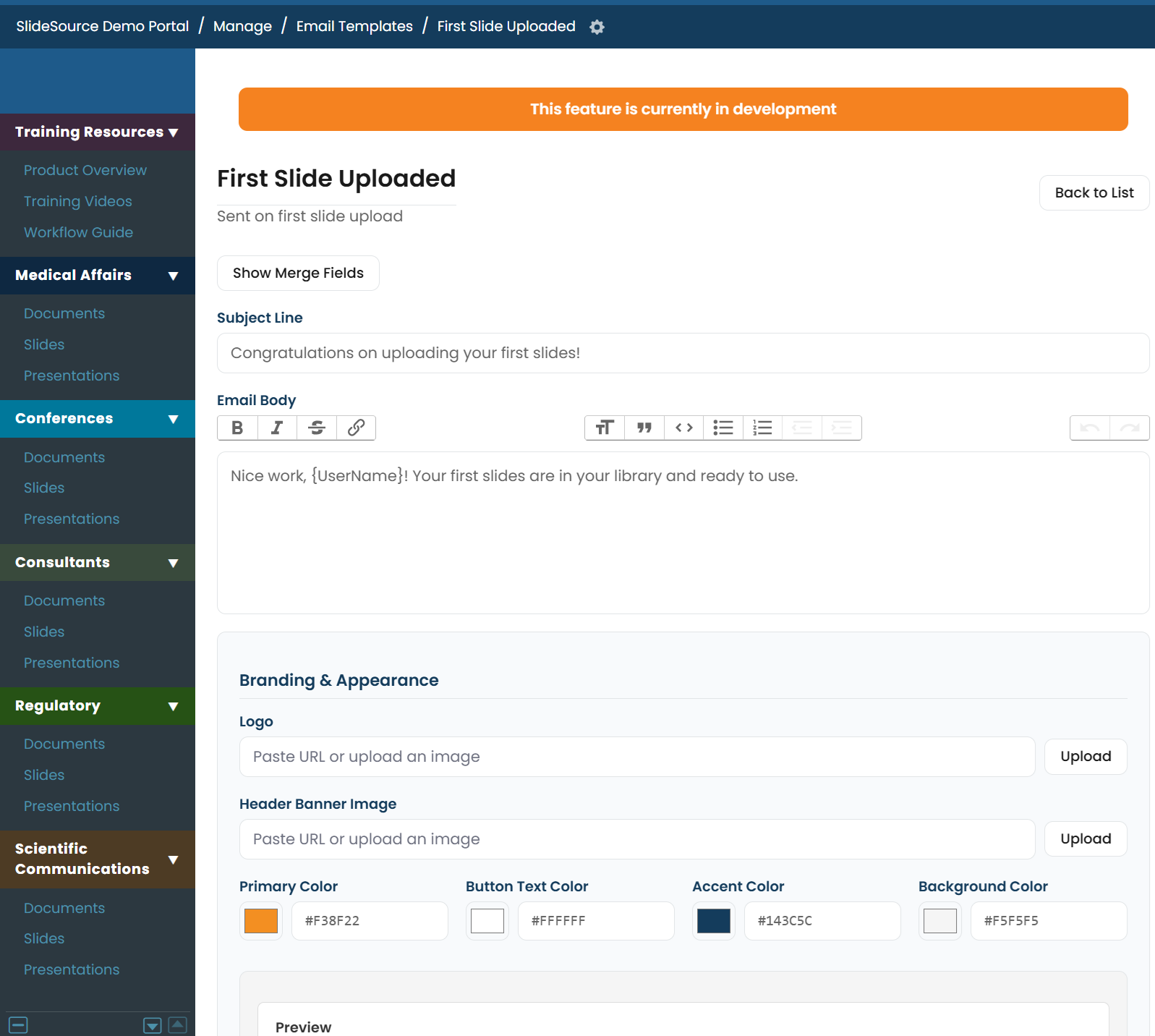
Edit a template. Each template has a Subject, Body, branding (logo and colors), a footer, a call-to-action, and a signature. Use Preview to see the result, and Reset to Default to revert.