vCheck
vCheck answers a question everyone in the field asks: is the deck on my laptop still current? Once you’ve downloaded a presentation, slides in the library can change underneath it. vCheck compares your downloaded deck against the library and flags any slide that’s gone out-of-date.
What vCheck is
Section titled “What vCheck is”vCheck is SlideSource Library’s freshness check for downloaded decks. Rather than re-downloading everything “just in case,” you run vCheck and it tells you, slide by slide, whether your copy is still good, and lets you pull a refreshed deck if it isn’t.
Per-slide status badges
Section titled “Per-slide status badges”vCheck marks each slide in a downloaded deck with a status badge:
| Badge | Meaning |
|---|---|
| Up to date | Your copy matches the current library version. |
| Update available | A newer version of the slide exists in the library. |
| Rejected | The slide’s version has been rejected in review. |
| Deleted | The slide no longer exists in the library. |
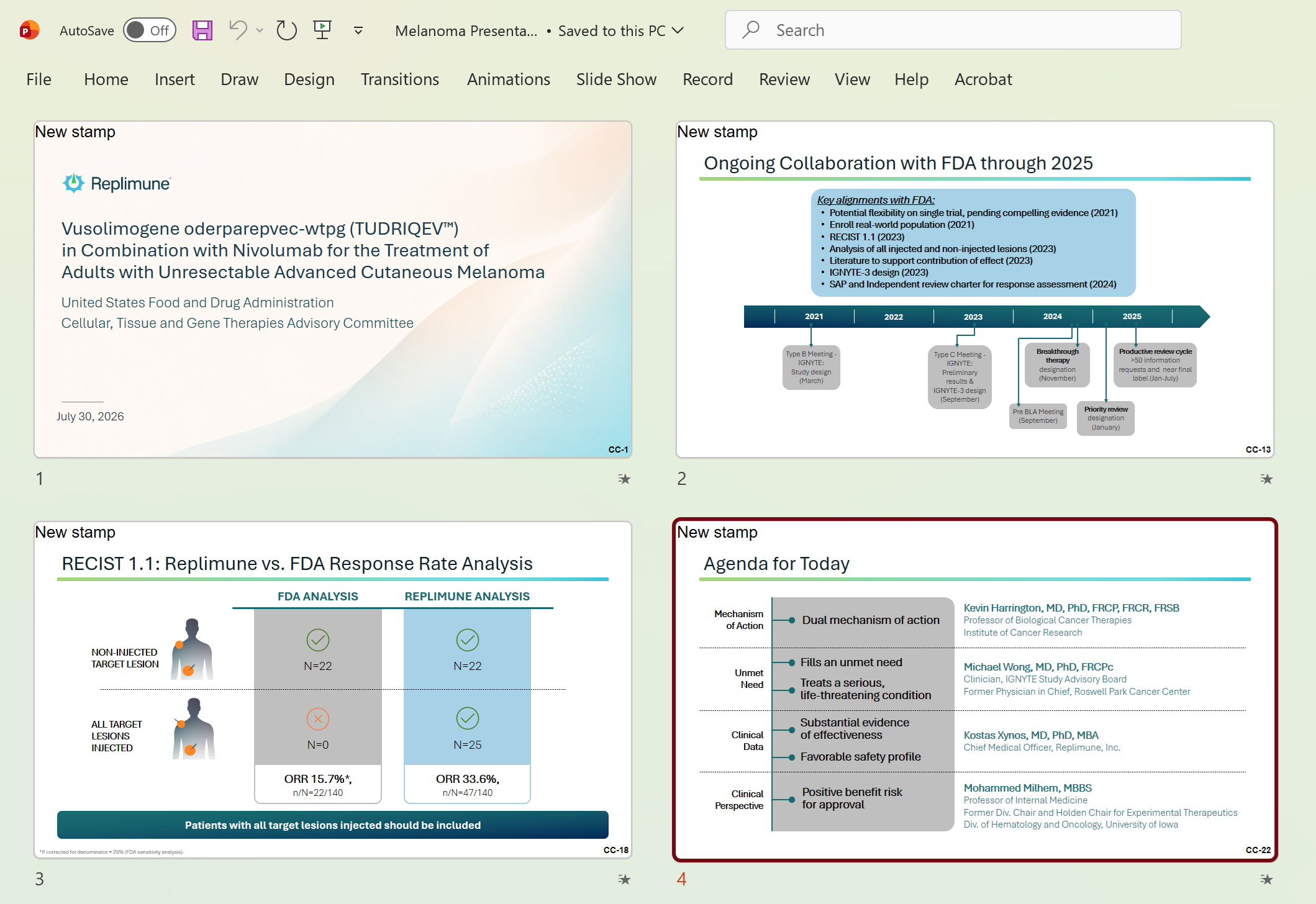
The Slide Updates status page
Section titled “The Slide Updates status page”Running vCheck opens the SlideSource vCheck: Slide Updates status page: a summary of what changed across the whole deck. From there you can Download updated presentation to get a refreshed .pptx that swaps in the current versions.
Shared-deck vCheck
Section titled “Shared-deck vCheck”vCheck isn’t only for decks you downloaded yourself: it also works on shared decks, so someone who received a public share link can check whether their copy is still current.