What is SlideSource Library?
SlideSource Library is a governed home for your organization’s presentation content: the slides you present, the presentations you build from them, and the documents and evidence behind them. Instead of decks scattered across drives and inboxes, everything lives in one searchable, version-controlled library your teams can trust.
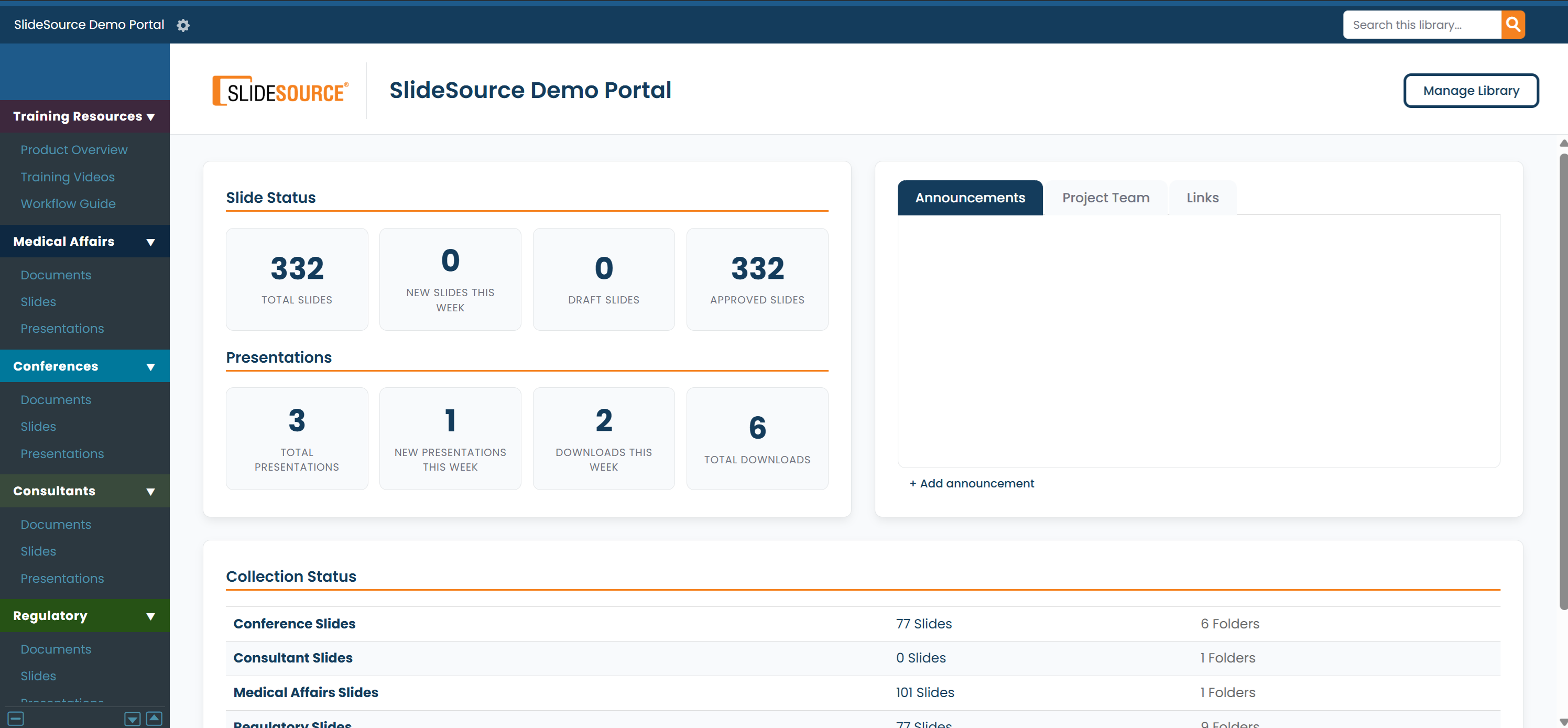
The building blocks
Section titled “The building blocks”A few concepts show up everywhere in SlideSource Library. Once these click, the rest of the app makes sense.
- Library: your organization’s workspace. Everything below lives inside one library.
- Collections: content is organized into three kinds of collection, each with its own folder hierarchy:
- Slides: individual slides (the reusable building blocks).
- Presentations: decks assembled from slides.
- Documents: supporting files (publications, study reports, source materials).
- Folders: organize items within a collection.
- Slides & versions: every slide and presentation is versioned. Editing a slide creates a new version, and the full history is kept, so you can always see what changed and roll back.
- Presentations: decks are built by referencing slides rather than copying them, with section headers and optional per-slide version pinning.
- Documents: supporting files with check-in / check-out editing and versioning.
- Tags & custom fields: your taxonomy for finding and organizing content (product, indication, audience, evidence type, and so on).
- The tray: a holding space along the bottom of the screen where you collect items to download or act on in bulk.
- Approvals: slide versions can be marked approved or rejected, with a review queue for approvers.
- vCheck: flags downloaded decks that contain outdated slides, so you know when something in the field has gone stale.
- VIDs (Visual IDs): in libraries configured for them, slides carry short, readable IDs such as BU-3.
Who uses SlideSource Library?
Section titled “Who uses SlideSource Library?”There are two audiences, and this guide has a track for each:
UsersFind, reuse, build, download: for approvers, also approve content.
Library adminsConfigure the library: users & permissions, taxonomy, governance, and integrations.
Next steps
Section titled “Next steps”Tour the interfacePanes, the sidebar, the tray, breadcrumbs, and search.
Roles & accessWhat users vs. admins can do.