External / consultant access
Goal: as an outside expert (a KOL, advisory-board member, or consultant) open the presentations that a library has shared with you and download what you need.
When to use this: when someone at the organization has given you access to their content. You’ll arrive one of two ways, depending on how they shared it.
If you access content through Consultant View
Section titled “If you access content through Consultant View”-
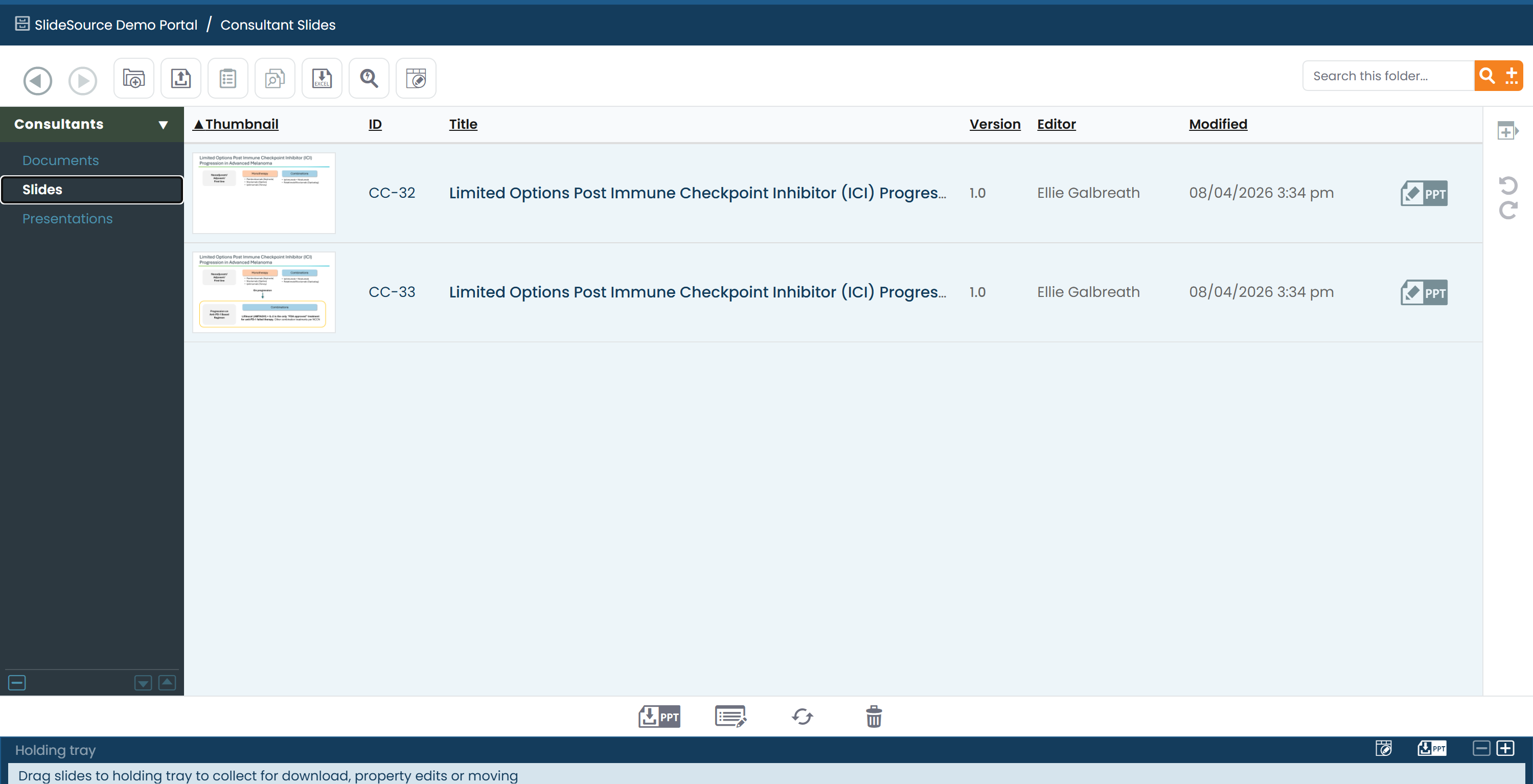
Sign in. When your account’s access is scoped to a single presentation collection, you land in a branded, single-pane view: the organization’s logo and a disclaimer at the top.
-
Browse the presentation folders you’ve been given and open a deck to view it slide by slide.
-
Download to Desktop when you need a local copy of a deck.
If you open a public share link
Section titled “If you open a public share link”-
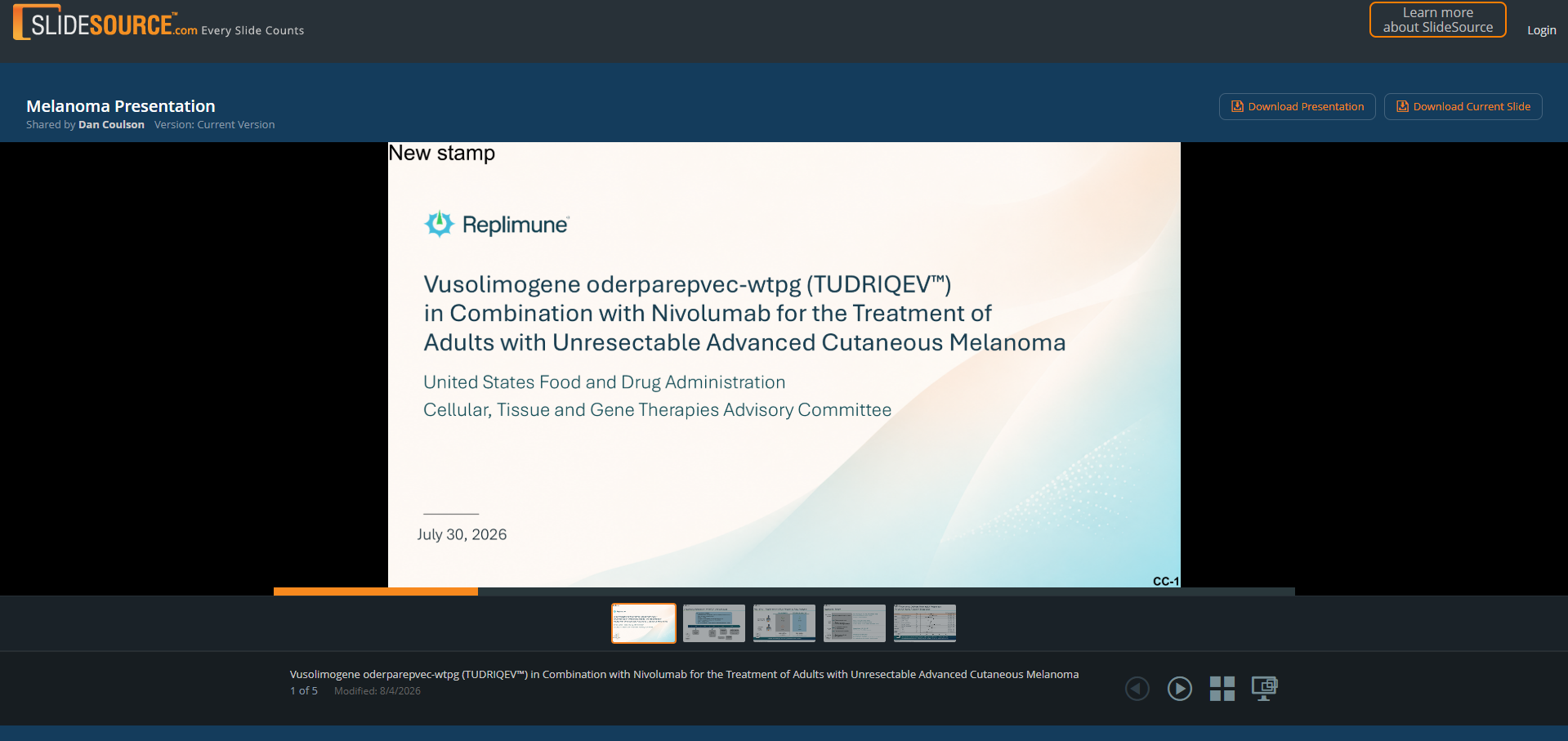
Open the link. A public presentation share link points to one shared deck. Depending on how it was set up, you’ll either view it directly via a token or be asked to sign in first.
-
Review the deck. The page shows the title, the version, and a slide-by-slide view. Thumbnails may be watermarked.
-
Download the deck: unless the sharer has disabled downloading for this link.
-
Check for updates. A shared link includes a shared vCheck, so you can confirm whether the deck’s slides are still current. See Refresh a deck with vCheck.